


Two platforms dominate the professional productivity space. Both offer email, storage, document editing, and real-time collaboration. Both have integrated Artificial Intelligence capabilities. So why does it matter which one you choose? Because the “right” choice is not the same for every business. It depends on your company size, industry, security requirements, and the way your team works. What Each Platform Offers Today Both platforms have evolved significantly in recent years. The comparison should be based on what your business needs today — not on what was true two or three years ago. Microsoft 365 Complete productivity suite: Word, Excel, PowerPoint, Outlook, Teams Copilot AI integrated across applications (Business/Enterprise plans) Strong security and compliance capabilities (Intune, Defender, Purview) Deep integration with Windows and Active Directory Ideal for environments requiring on-premise or hybrid infrastructure Google Workspace Fully cloud-native: Gmail, Drive, Docs, Sheets, Meet Gemini AI integrated throughout the platform Excellent real-time collaboration experience Simpler administration with fewer setup requirements Ideal for businesses operating entirely in the cloud Where They Really Differ Security & Compliance Microsoft 365 has a clear advantage here. It provides enterprise-grade tools for data loss prevention, conditional access, endpoint management, and advanced threat protection. For businesses operating in regulated industries such as healthcare, finance, or legal services, this is often a decisive factor. Google Workspace also offers a strong level of security, but the depth of management and compliance tools is more limited, especially for larger organizations. Pricing Both platforms revised their pricing during 2024–2025. In general, Google Workspace starts at a lower entry cost, but the price gap narrows at the Business and Enterprise levels. An important distinction: Microsoft Copilot requires an additional license cost, while Gemini is included in Google Workspace Business plans. File Compatibility If your business frequently exchanges files with clients or partners, document formats matter. The […]
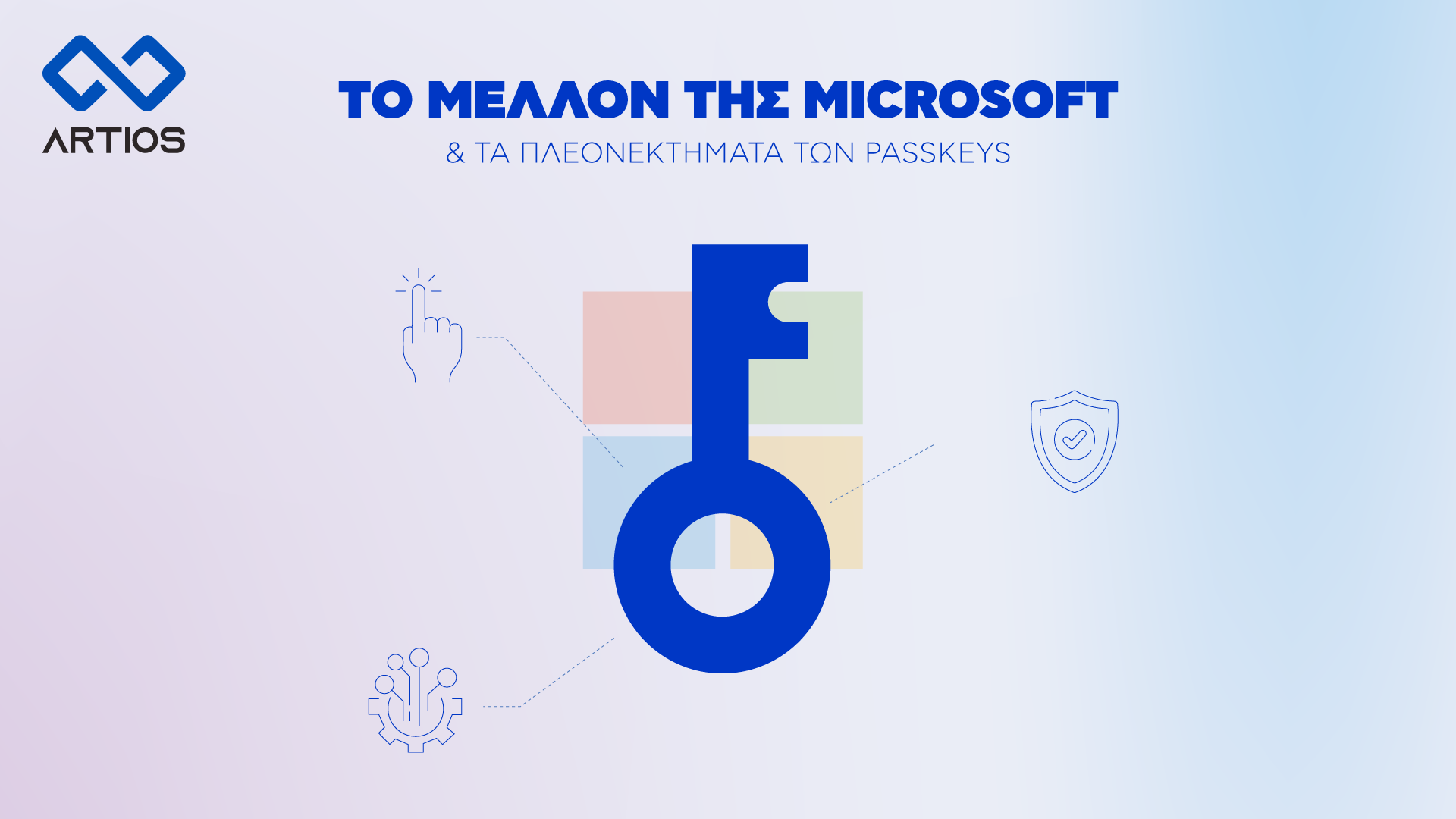
Microsoft is moving towards eliminating traditional passwords, introducing passkeys as the primary method of authentication. Passkeys use cryptographic key pairs, storing one key on the user’s device and the other on the website or service, allowing secure and fast logins via biometrics or a PIN. Implementation Timeline: Login and registration page upgrades will roll out […]
Data security is essential for every modern business. With the growing use of Microsoft 365, which includes critical applications such as Outlook, SharePoint, Teams, and OneDrive, the need for effective data protection becomes more urgent. Acronis provides a comprehensive backup and recovery solution for Microsoft 365, ensuring your data remains secure and accessible. What Acronis […]